Sensor Research
eTape Liquid Level Sensor
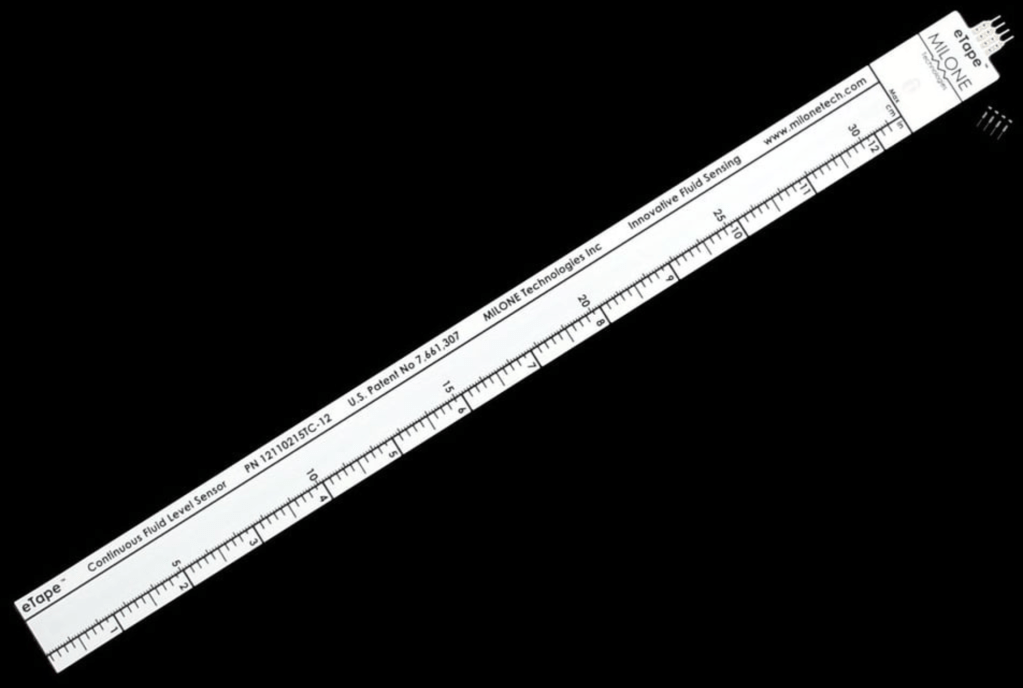
- 305mm x 29mm x 13mm / 12″ x 1.14″ x 0.51″
- Weight: 56g
- Sensor Output: 400-2000Ω ±20%
- Ref. Resistance: 2000Ω ±20%
- Actuation Depth: Nominal 25.4mm / 1″
- Resistance Gradient: 60Ω/cm / 150Ω /inch
- Power Rating: 0.5 Watts
- Temperature Range: 15°F – 150°F / -9°C – 65°C
The eTape Liquid Level Sensor by Milone Technologies is a resistive fluid level sensor that changes its resistance based on the pressure exerted by a liquid. It is made of a flexible plastic strip and contains a conductive ink that reacts to compression caused by the rising liquid. The higher the liquid, the more pressure, and the lower the resistance.
What does the sensor do?
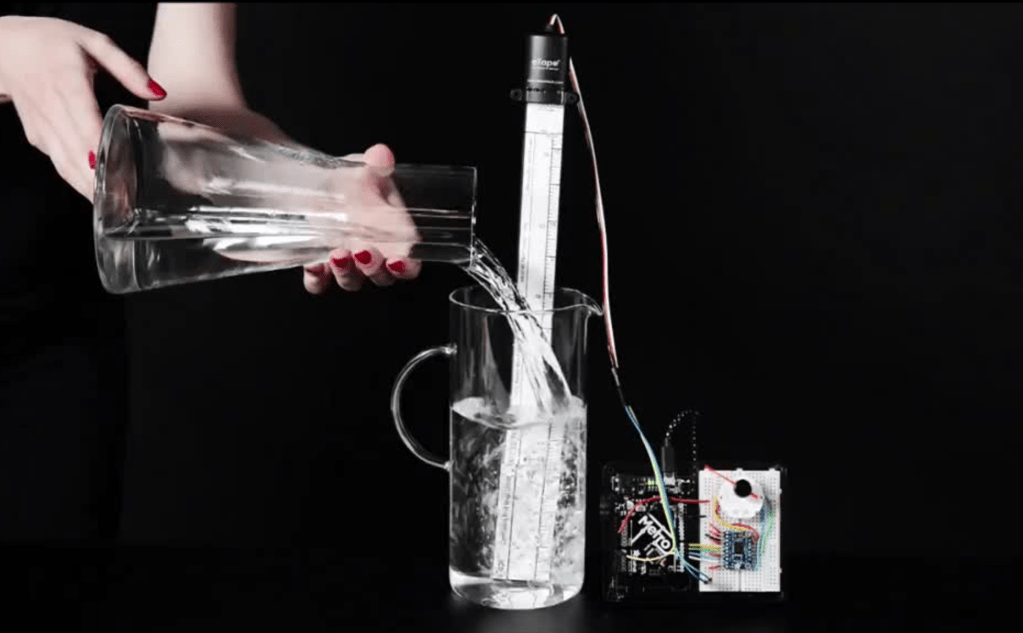
The eTape sensor measures the height of a liquid in a container using resistance—specifically, how pressure from the liquid compresses the sensor, which causes its electrical resistance to change.
The Science Behind It:
- The sensor is made of a flexible strip containing a resistive ink (a special material that conducts electricity and changes resistance when compressed).
- When you place the eTape vertically in a tank, liquid presses against the sensor from the outside.
- The higher the liquid level, the more pressure it exerts on the sensor.
- That pressure squeezes the internal resistive strip, reducing its resistance.
- Your Arduino (or other microcontroller) reads this resistance as an analog voltage. You can then convert that voltage into a height or percentage of liquid in the tank.
Connect pin #2 of the sensor to the ground, then pin #3 to a 560 ohm resistor. The other side of the 560 ohm resistor to VCC (3.3V or 5V for example) to create a resistor divider. The ADC pin connects to the point between the resistor and the sensor.
// the value of the 'other' resistor
#define SERIESRESISTOR 560

// What pin to connect the sensor to
#define SENSORPIN A0

void setup(void) {
  Serial.begin(9600);
}

void loop(void) {
  float reading;

  reading = analogRead(SENSORPIN);

  Serial.print("Analog reading ");
  Serial.println(reading);

  // convert the value to resistance
  reading = (1023 / reading)  - 1;
  reading = SERIESRESISTOR / reading;
  Serial.print("Sensor resistance ");
  Serial.println(reading);

  delay(1000);
}
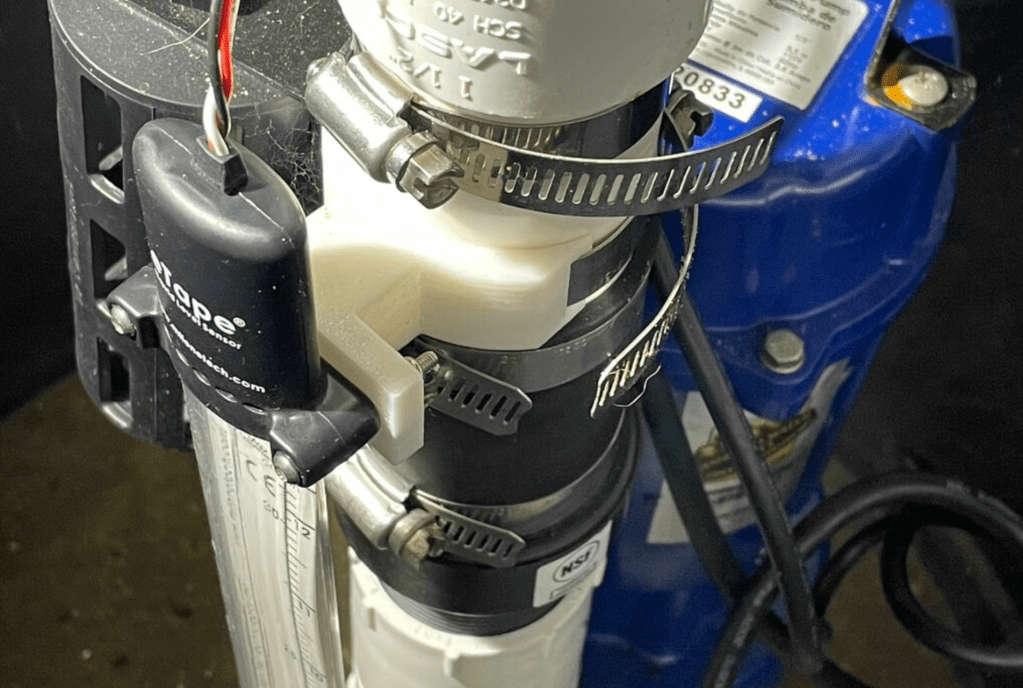
Real example
https://adafruit-playground.com/u/tcooper/pages/testing-an-etape-with-my-sump-pump
Potential Applications
💧 Water tank monitors (home or farms)
☕ Smart coffee machines (check when the water tank is low)
🐶 Pet water bowl alert systems
🧪 Chemical or lab fluid level tracking
☔ Rain collectors or backyard weather stations
🪴 Hydroponic reservoir management


 home page
Leave a comment