
Gaze-Tracking Robotic Eye with LDR Activation
In this project, I built a gaze-tracking robotic eye that responds to light intensity using an LDR (Light Dependent Resistor). The system remains idle until the ambient brightness reaches a peak level, at which point it activates and begins eye movements. The robotic eye is powered by an Arduino, controlling three SG90 servo motors for blinking, up/down, and left/right motion.
Components Used
- Arduino
- SG90 Servo Motors (x3) – Controls eyelid, up/down, and left/right movements
- LDR Sensor – Detects ambient light levels
- 10KΩ Resistor – Used as a pull-down resistor for the LDR
Eye Motion Simulation
void eyeMotion() {
  // Random Blink
  eyeLidServo.write(eyeLidServoLower);
  delay(300);
  eyeLidServo.write(eyeLidServoUpper);
  delay(random(1000, 3000));

  // Random Eye Movement
  int newUpDown = random(upDownServoLower, upDownServoUpper);
  int newLeftRight = random(leftRightServoLower, leftRightServoUpper);

  upDownServo.write(newUpDown);
  leftRightServo.write(newLeftRight);
  delay(random(800, 2000));
}
LDR Sensitivity Adjustments – Different lighting conditions affected LDR readings.
Solution: Adjusted the threshold value dynamically through serial monitor testing.
Smooth Servo Movement – Abrupt eye motion looked unnatural.
Solution: Implemented delays and easing functions for smoother transitions.
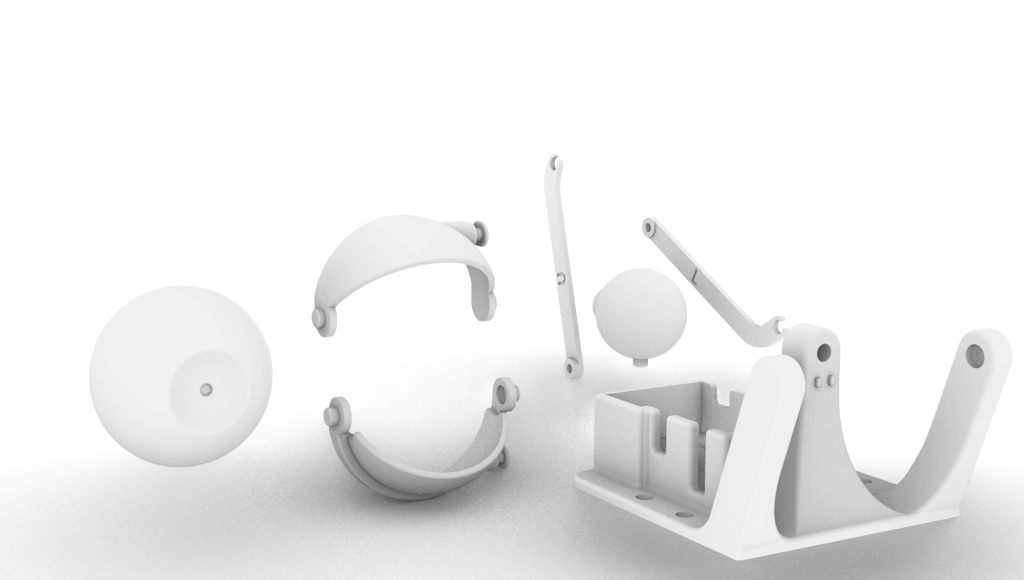
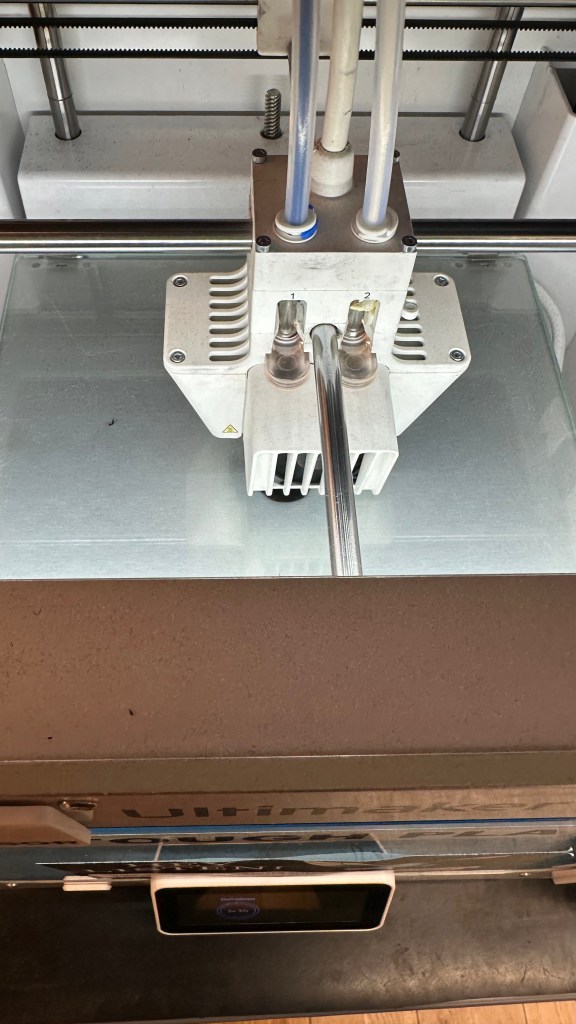
3D Printing the Robotic Eye
- LDR Sensor Reads Brightness Levels
- The LDR sensor continuously monitors the ambient light intensity.
- If the brightness level surpasses a defined threshold (e.g., 800), the system activates.
- System Activation & Eye Movement
- The robotic eye starts blinking randomly to simulate natural movement.
- The eye randomly moves left, right, up, and down, mimicking a real gaze-tracking effect.
- Idle Mode
- If brightness falls below the threshold, the eye remains inactive until the condition is met again.


 home page
Leave a comment